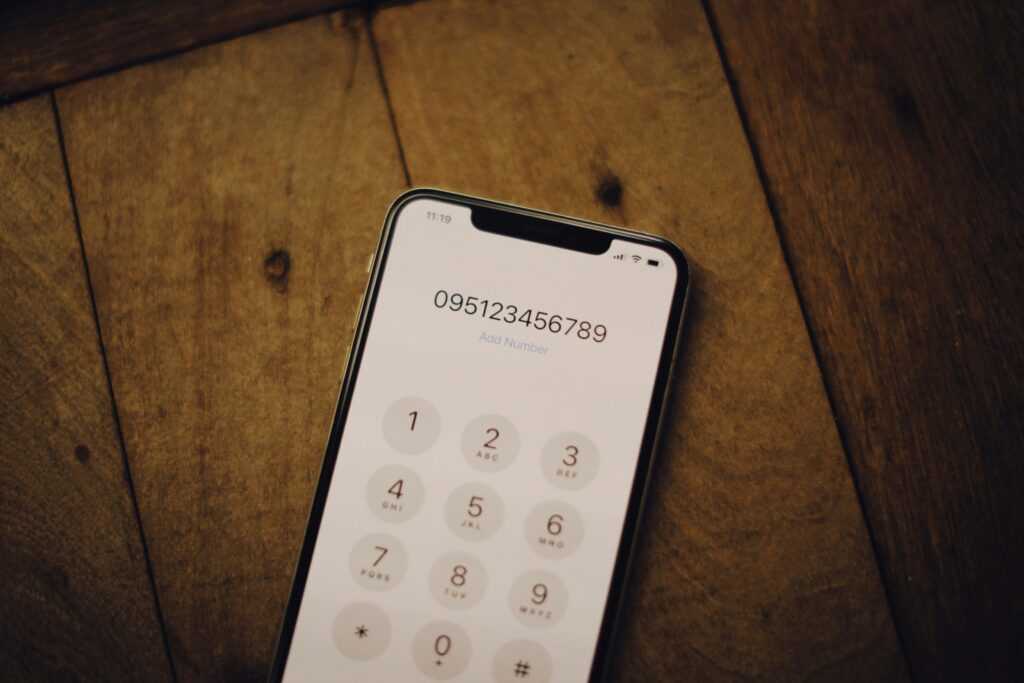
Masking your phone number is a great way to maintain some privacy when you make phone calls. Whether you want to check if something is a scam without revealing your identity or you want to make a prank call to a friend, it’s a handy trick to have up your sleeve. While this may be the case, it’s not always easy to mask your phone number, and it’s definitely something you don’t want to mess around with.
Can You Mask Your Phone Number?
Yes, you can mask your phone number. There are a handful of tools you can use to prevent people from seeing your phone number. In fact, your phone probably has something built in to help with this. While you can mask your phone number, it’s important to note that it doesn’t guarantee that your information is hidden.
If someone is using a phone lookup tool, for example, they may be able to find your information. So, you need to be careful with how you mask your phone number. The good news? This goes both ways, and if someone masks their phone number when they call you, you can use the same tools to find their phone number.
Can You Mask Your Phone Number for Text Messages?
Masking your phone number for text messages is possible, but it’s a lot more challenging. For example, you can’t use *67 to text someone. If you want to mask your phone number for a text message, you may need to create a separate phone number. In other words, most of the methods available for phone calls won’t work, aside from getting a new number or using a burner phone.
How to Mask Your Phone Number
So, we know that you can mask your phone number. While this may be the case, you need to go about the process properly. If you don’t use the right methods, you can end up leaving your data exposed. Learn about some of the best ways to mask your phone number below.
Dial *67
Do you remember the classic prank calls you likely made as a kid? Whether it was on your parents, friends, or someone else, you can still use that method to this day.
If you want to mask your number for a specific phone call, all you need to do is enter *67 before the phone number. Then, you’ll show up as private on their caller ID.
Change the Settings on Your Device
Depending on your device, you may be able to turn off caller ID. On iOS and Android devices, for example, you may be able to do this in your device’s call settings. However, this may also work for wireless landlines and other types of phones.
So, make sure you check your device’s settings to determine if you can alter the call settings there. This is great if you plan on making lots of masked calls, whereas options like *67 are the best for single masked calls.
Download an App
On iOS and Android devices, you should be able to find plenty of apps to download. This will help you mask your phone number. Plus, many apps have unique features and additional tools for even more call settings. For this reason, it doesn’t hurt to try one of these apps. Burner is a good place to start, but plenty of apps are available.
If you wanted to skip the app part, you could always buy a prepaid phone. In fact, Google allows you to create a unique phone number as part of their Voice-over-Internet Protocol (VoIP) service.
Our Final Thoughts How to Mask Your Phone Number
When push comes to shove, knowing how to mask your phone number is important. Whether you want to play a simple prank on your buddy or learn how others use it so you know what’s happening when you get a call from a blocked number, there are plenty of tools out there to help you accomplish exactly that. You can opt for the classics, like *67, or you can embrace technology and go with burner apps or VoIP services.
That said, you still need to be careful. Reverse phone lookup tools will be able to unmask your phone number (depending on the method). However, this is something you can also use to your advantage.